
Re-implementation of the "iLnk"/"iLnkP2P"/"PPPP" protocol used on some cheap (<$5) IP cameras (sometimes branded as 'X5' or 'A9').
Per pictures of the X5, A9 the main chip is TXW817 (chinese, eng, google translate)


Running
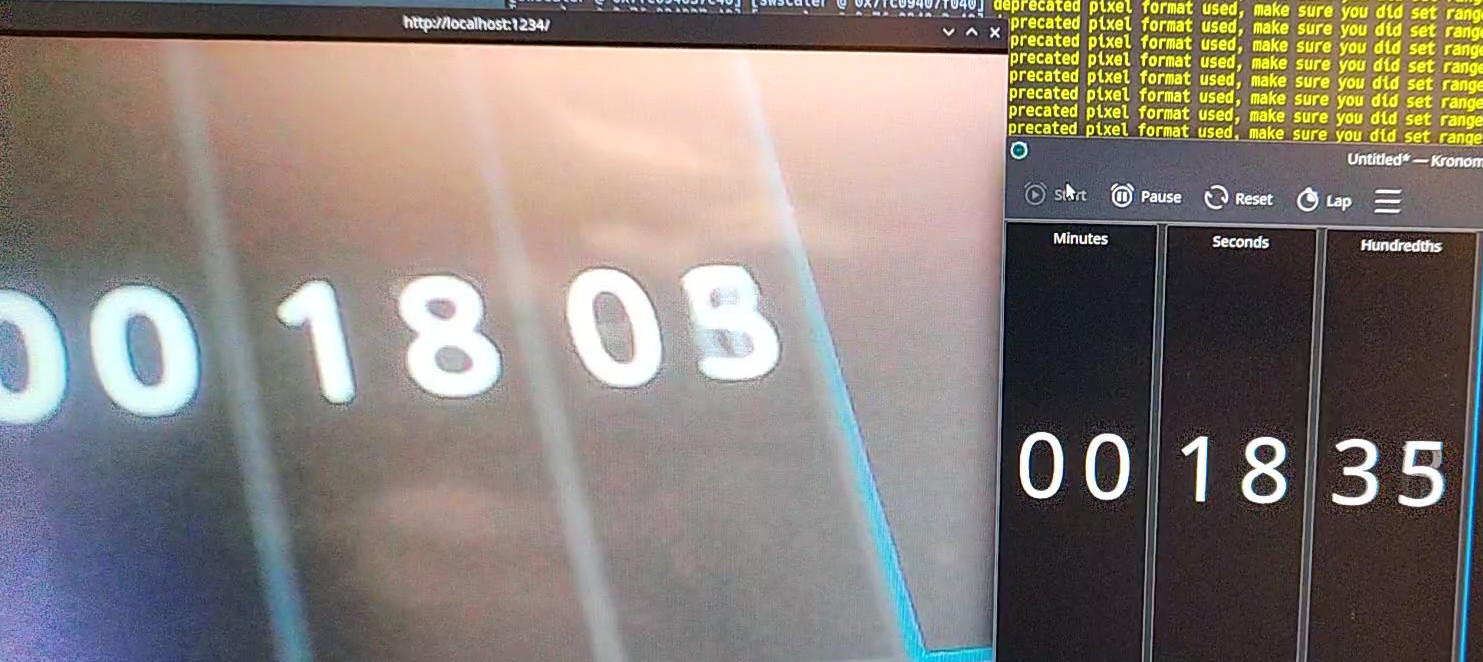
To execute the HTTP server, run make run; you can access the JPEG stream at http://localhost:1234/ and a file audio.pcm will be created.
The roundtrip delay when using MJPEG is ~350ms.
There's a basic UI which can display multiple cameras:
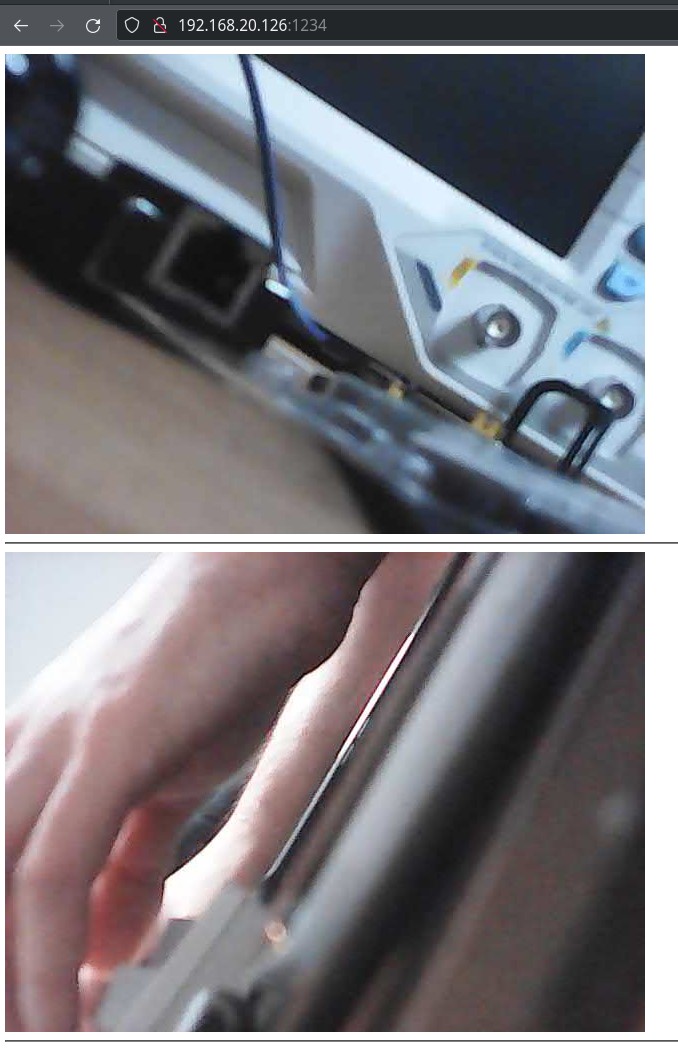
Pairing a new camera
Connect to the device's access point and run SSID=<your ssid> PSK=<your password> make pair.
Protocol
The protocol is weirdly complex, though very little communication is necessary to use the device
The base structure of a packet is:

The payload is command-dependent; most commands have only a literal payload, but the Drw (0xf1d0) command has a framing scheme:
By using the second byte in the payload as a discriminant, we can split the payload into two types of subcommands:
Control packets:

The payload on control packets is "encrypted" when the length is > 5.
Data packets:

Data packets further discriminate based on the first 4 bytes into: Audio Data (0x55aa15a8), Video data.
Session
To establish a session, a few control packets are sent.
---
title: Establish session
---

sequenceDiagram
	autonumber
    App->>+Cam: [C] LanSearch
    Cam->>-App: [C] PunchPkt (SerialNo)
    App->>+Cam: [C] P2PRdy
    Cam->>-App: [C] P2PRdy
    App->>+Cam: [C] ConnectUser
    Cam->>-App: [C] ConnectUserAck (Ticket)

   loop Every 400-500ms
        Cam-->>+App: [C] P2PAlive
        App-->>-Cam: [C] P2PAliveAck
    end
To start a stream, a single control packet is sent.
The received stream is broken up into 1028 byte payloads, along with a sequence number.
Stitching the payloads together yields JPEG frames for video, and 8KHz A-law PCM for audio.
---
title: Stream audio/video
---

sequenceDiagram
    App->>Cam: [C] StreamStart (with Ticket)

   loop
        Cam-->>+App: [D] Audio/Video Payload
        App-->>-Cam: [C] DrwAck
    end
Serial
The A9 cameras have a TX/RX test points - connecting with UART at 921600 8N1 gives read only access to some debug logs.
Discrepancies between cameras
- Wifi Strength
- A9 reports '100%' strength
- X5 reports different strength values
I bricked two cameras by patching out part of the WiFi setup - unclear yet which commands.
After bricking itself, it reports very broken configuration via serial:
network interface: ƀ (Default)
MTU: 51050
MAC: 06 18 40 06 3e 51 b4 e2 c6 80 06 3f 77 30 01 00 00 00 00 00 00 00 00 00 00 00 00 00 00 00 74 00 00 00 01 00 00 00 9c ea 01 20 00 00 00 00 00 00 00 00 00 28 60 00 00 00 00 00 00 00 00 00 06 4e 00 20 2a 00 2a 00 80 00 00 00 00 00 ff ff ff ff   ff ff 3e 51 b4 e2 c6 80 08 06 00 01 08 00 06 04 00 01 3e 51 b4 e2 c6 80 01 01 01 01 00 00 00 00 00 00 01 01 01 01 00 28 74 00 00 00 00 00 00 00 00 00 58 4e 00 20 48 00 48 00 80 00 00 00 00 00 ff ff ff ff ff ff 3e 51 b4 e2 c6 80 08 06 45 00 00   48 00 51 00 00 ff 11 c8 be 01 01 01 01 23 9c cc f7 7d 6c
FLAGS: DOWN LINK_DOWN IGMP
ip address: 1.1.1.1
gw address: 1.1.1.1
net mask  : 1.1.1.1

network i
nterface: ^@^@
MTU: 0
MAC:
FLAGS: DOWN LINK_DOWN
ip address: 127.0.0.1
gw address: 127.0.0.1
net mask  : 255.0.0.0
Spyware
When connecting the camera to a network, it tries to send a HELLO (?) to 4 IP addresses:
139.155.68.77 - Shenzhen Tencent Computer Systems Company Limited
119.45.114.92 - Shenzhen Tencent Computer Systems Company Limited
162.62.63.154 - Tencent Building, Kejizhongyi Avenue
3.132.215.40 - ec2-3-132-215-40.us-east-2.compute.amazonaws.com
With the payload
0000   f1 10 00 28 42 41 54 43 00 00 00 00 00 09 4d 2c   ...(BATC......M,
0010   48 56 44 43 53 00 00 00 08 00 02 01 00 00 6c 7d   HVDCS.........l}
0020   65 28 a8 c0 00 00 00 00 00 00 00 00               e(..........
which is DevLogin
These addresses are decoded (script at scripts/dec_svr.py) from the string SWPNPDPFLVAOLNSXPHSQPIEOPAIDENLXHXEHIFLKPGLRHUARSTLQEEEPSUIHPDLSPEAOICLOSQEMLPPALNIBIAERHZLKHXEJHYHUEIEHELEEEKEG.
Every 8-10s
There are some other strings in the APK ending in -$$ which decode to other ips/hostnames.
Reversing
The interesting implementation is in libvdp.so, part of the apk bundle.
Protocol reversing was done with a combination of static analysis of the shared object with Ghidra and dynamic analysis with Frida.
The headers reversed with Ghidra are at types/all.h. They are almost not used by this minimal implementation though.
The hooks used with frida are at frida-hooks.js, but it's mostly a playground - some useful functions got deleted once I understood the protocol.
There's also a partial Wireshark dissector at dissector.lua. You can install it with make install-wireshark-dissector.
Take APK from emulator/sacrificial device
adb shell pm list packages | grep ysx
adb shell pm path com.ysxlite.cam
adb shell pm path com.ysxlite.cam | while read -r line ; do adb pull $(echo $line | cut -d: -f2-) ;  done
Push to sacrificial device
adb install-multiple *apk
Frida install Android
Start frida server
adb shell 'su -c nohup /data/local/tmp/frida-server-16.1.11-android-arm64 &'