Using JMRI® to Operate Trains
OperationsPro: Settings menu bar

Tools
- Options
-
Manifest Print Options
-
Build Report Options
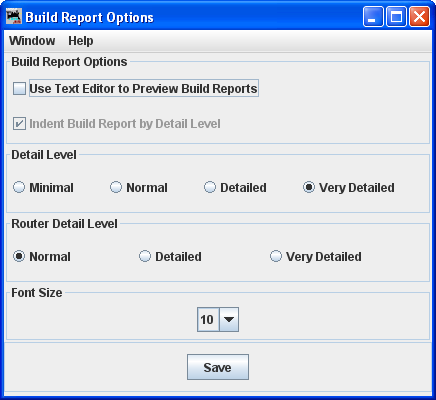
Let's you select the amount of detail that you want in the build report. Very Detailed produces the highest number of pages. -
Backup
Opens the OS Save backup file dialog to select a place to store your OperationsPro backup file.
-
Restore
Opens the OS Open file dialog to select a OperationsPro backup file from disk.
-
Load Demo Files

Opens the Demo load successful!dialog box:

- Reset Databases
-
Opens the Reset Databases dialog box

-
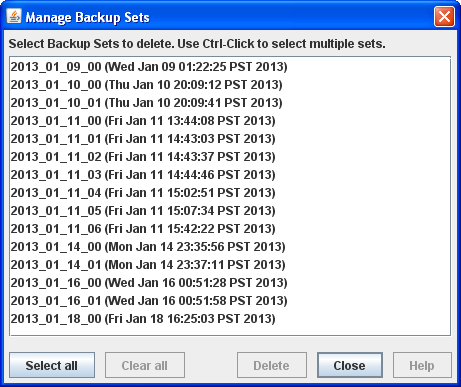
Manage Auto Backups
Operations
-
Settings
Opens Operations Setting window.
-
Locations
Opens Locations window.
-
Cars
Opens Cars window.
-
Locomotives
Opens Locomotives window.
-
Routes
Opens Routes window.
-
Trains
Opens Trains window.
Windows
Opens the JMRI Window menu
Help
Opens the JMRI Help menu