Using JMRI® to Operate Trains
OperationsPro: Edit Location Track window
The Edit [Type] Track window as shown is opened by clicking on one of the buttons in the Edit column in the Edit Location window for the selected Location.
A window will open with the title for the type of track in use:


The window offers the same options and menus as the Add [Type] Track window.

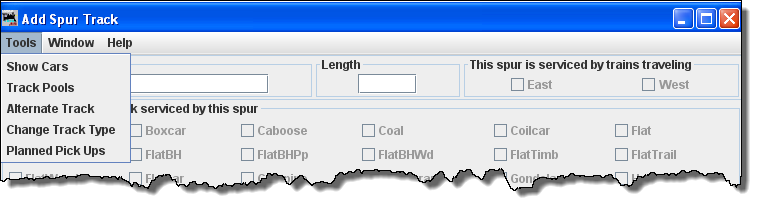
Edit Location Track window menu
Tools 
- Show Cars
-
Track Pools
Spurs may be combined and their lengths combined.
-
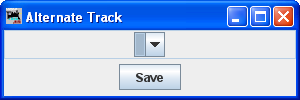
Alternate Track
-
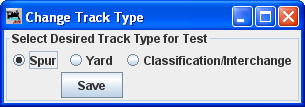
Change Track Type
-
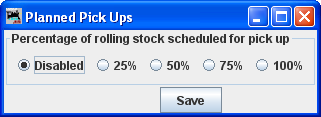
Planned Pick Ups